
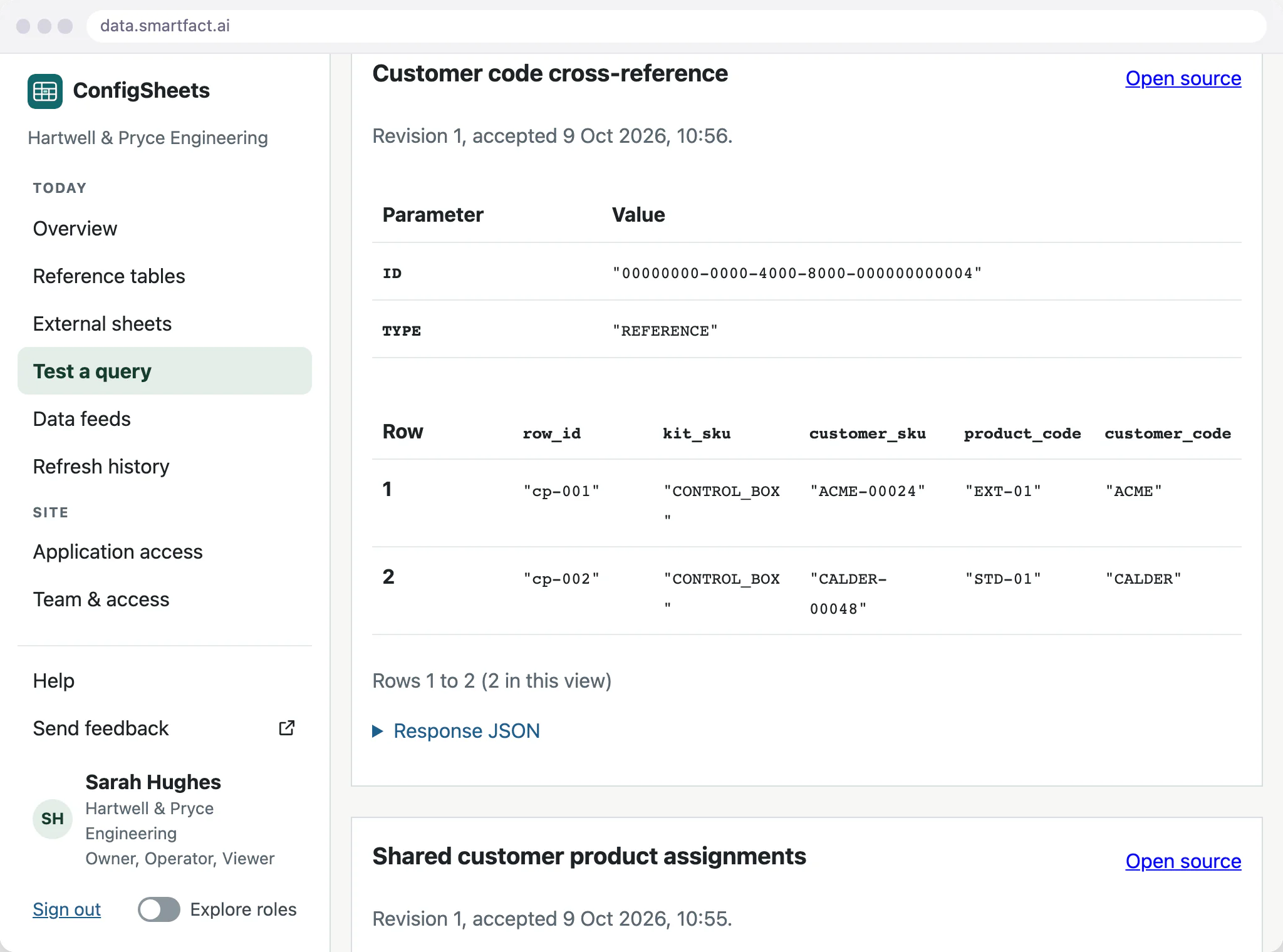

Keep partner and internal codes side by side
Put the trading partner's code and your own code in defined columns of one table, with the customer or supplier they belong to. Upload a sheet, use the grid, or paste rows straight from a spreadsheet with their header row.
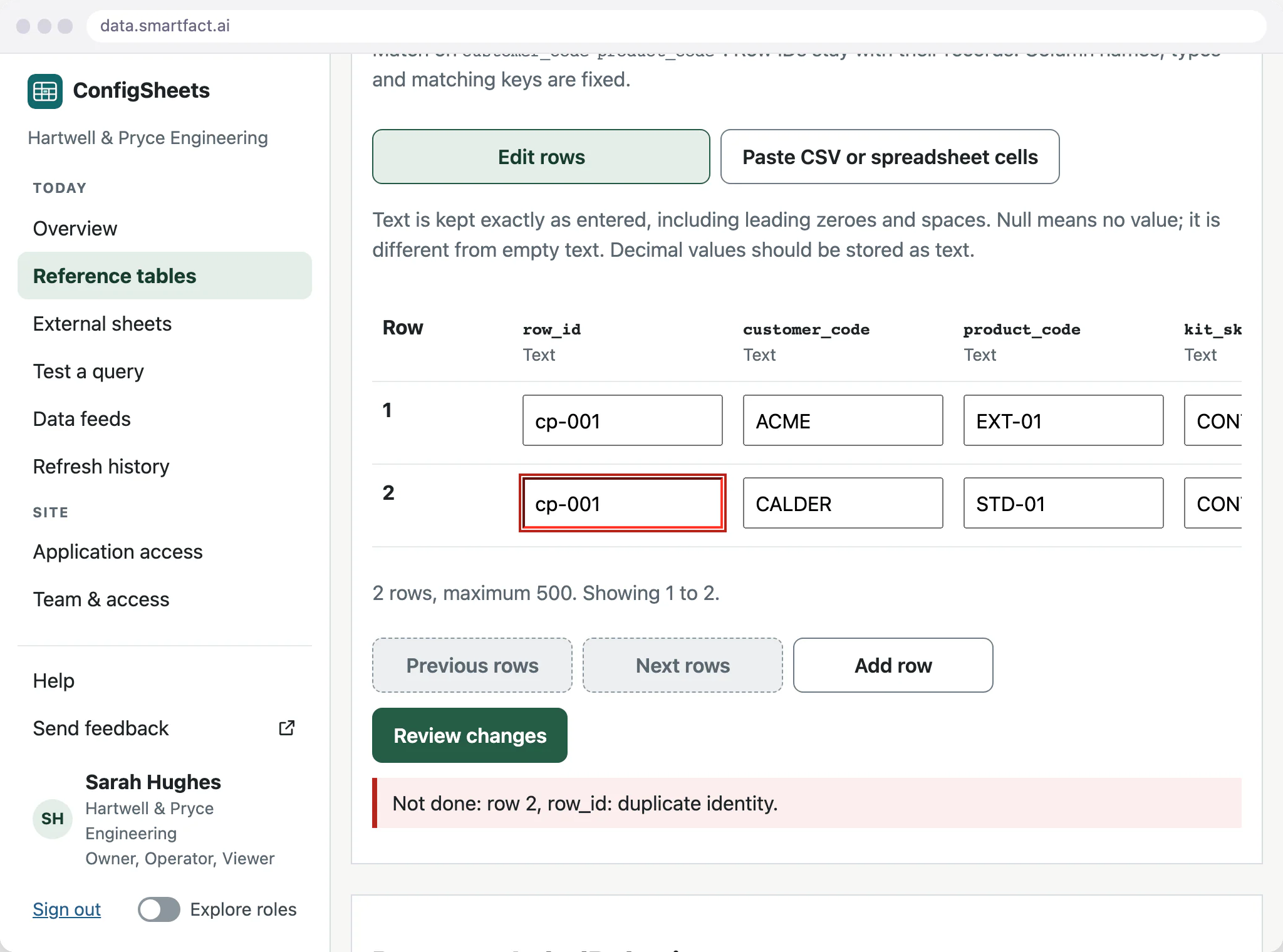
Before anything is saved, the review compares the whole proposed table with the saved one and counts the rows added, changed, removed and left alone. Each save becomes a new version that records why the change was made.
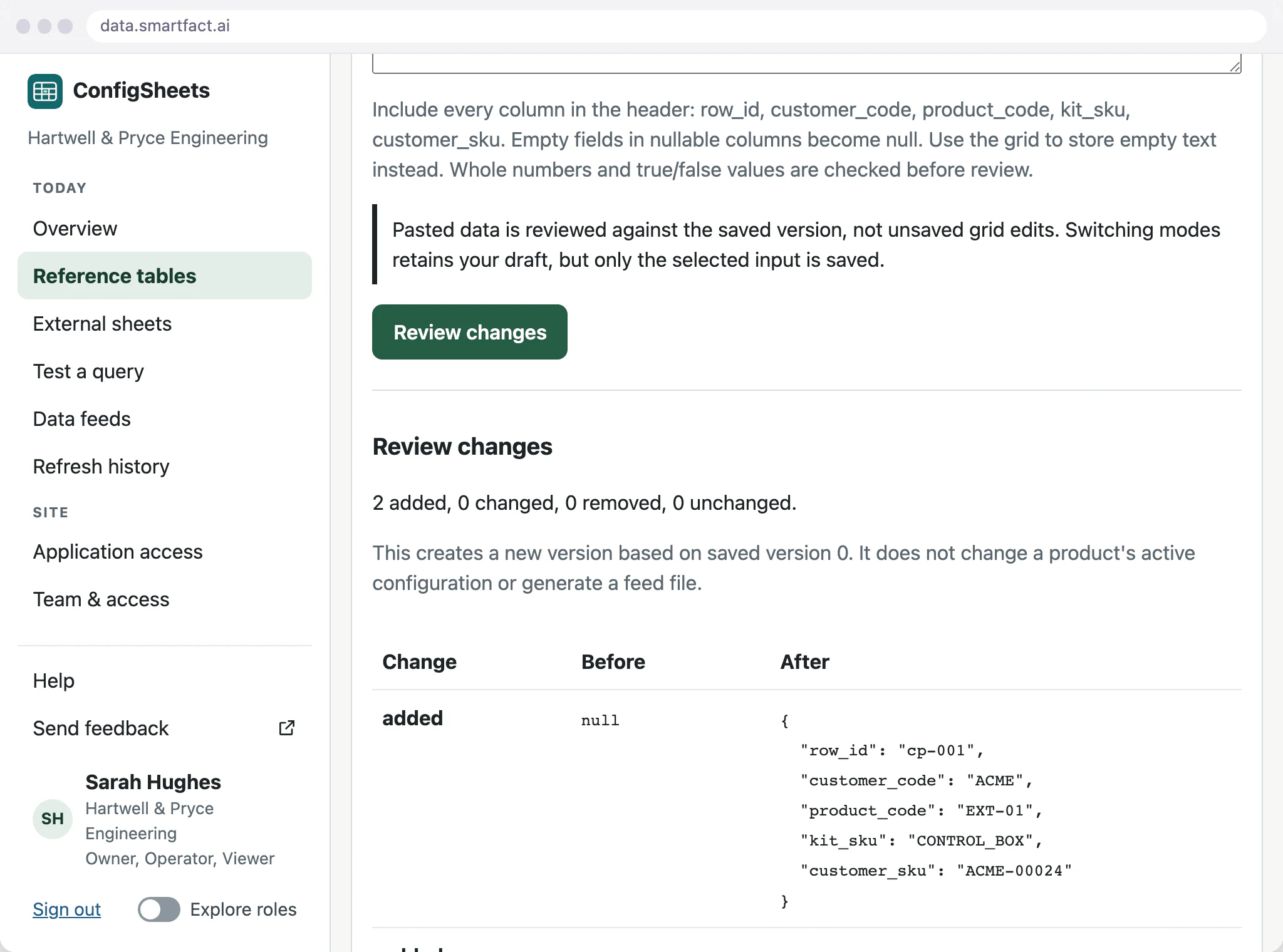
Preserve exact identifiers
Codes are stored as text, so 0012 keeps its leading zeros. A lookup matches the exact value: ACME-00024 finds the tables that hold it, and acme-00024 is a different code that finds nothing.
What happens to a duplicate or empty code?
Every row carries its own identifier, and the key columns you match on must be filled in and unique, so a partner code can never point at two of your codes. A proposal that breaks the rule is refused in full; the saved version stays in use while you fix the draft.
Connect your EDI software as an integration
SmartFACT products take the table from a saved version and review it before using it. The table does not reach your EDI software on its own: linking that software, or your EDI provider, is a paid integration, and we scope it with you and build it through data.smartfact.ai.
What SmartFACT Data does not do
- EDI translation on its own. Converting EDI messages to or from your own formats is part of a paid integration.
- EDI segments or message structure. The table holds code values only.
- Validation of EDI messages. Its checks cover the table's own rows.
- The EDI connection on its own. Sending or receiving messages, or connecting to a trading partner or EDI provider, is a paid integration scoped with you.
Common questions
Can ConfigSheets help with EDI mappings?
Yes: it keeps the customer, partner and internal codes behind a mapping, with every change checked and every version saved. Translating EDI messages and linking your EDI software or provider are paid integration work, scoped with you and built through data.smartfact.ai.
How do SmartFACT products receive the data?
Each receiving product reads a saved version, for example a LabelRules reference table or a KitProof job file, and reviews and accepts it before use. Other software joins through a paid integration scoped with you.
Start free at one station and pay when you grow. While SmartFACT is in early access, we set your first workflow up with you.


